Introducing Trails: Think in Branches, Grounded in What You Saved
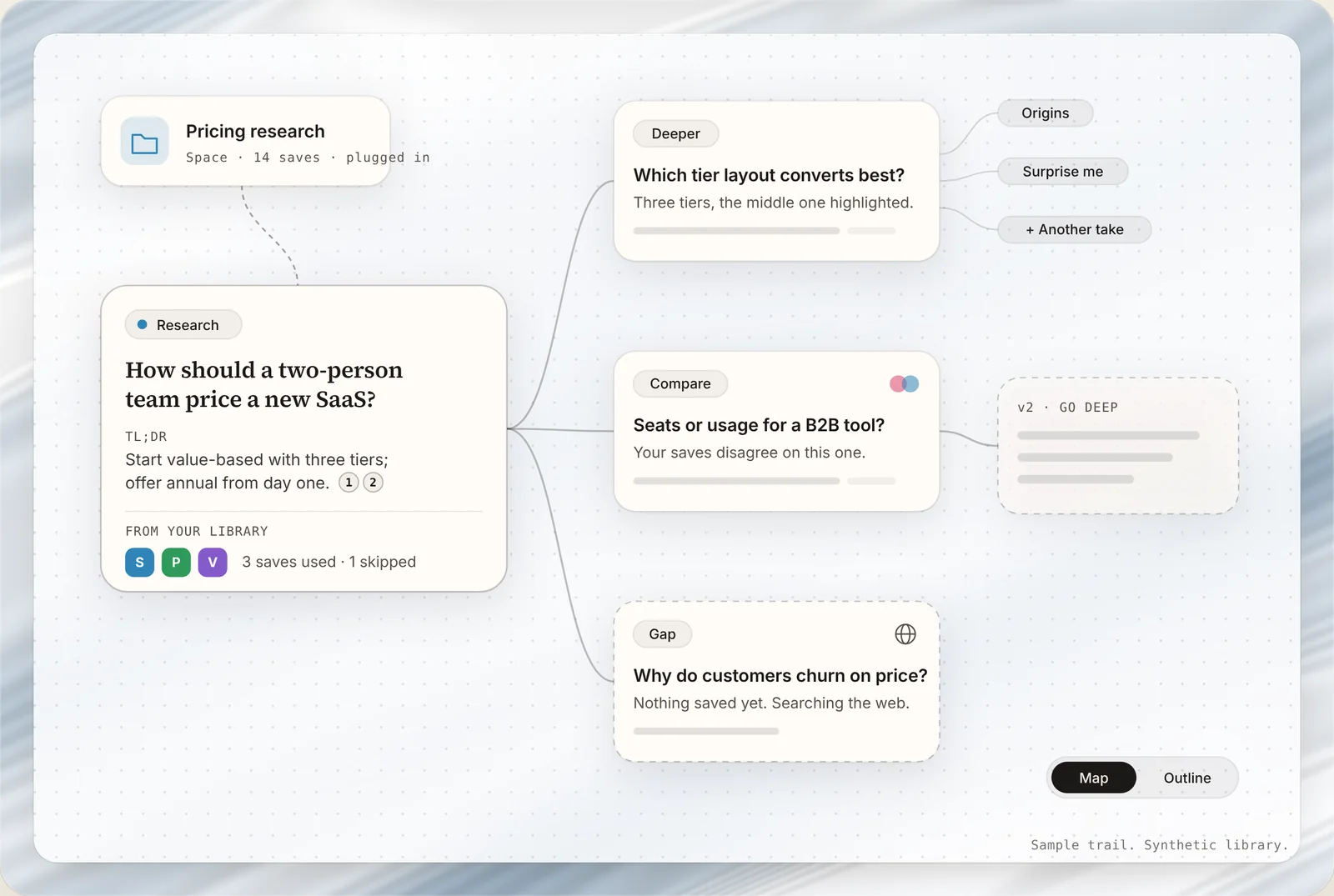
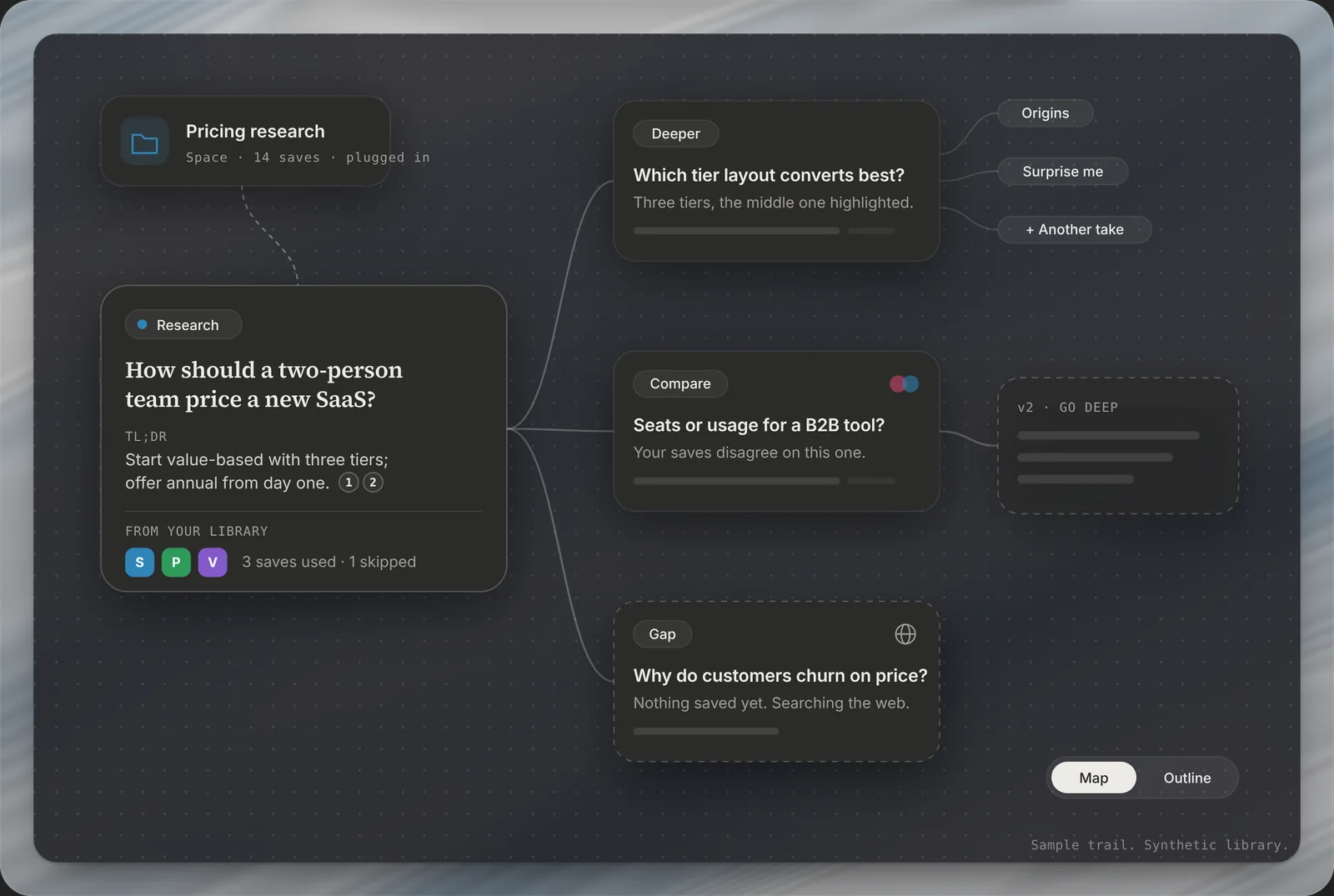
Trails is a branching research and brainstorm canvas in Markwise. You ask a question and get a short answer box. Follow-up chips float around it; click one and a new box grows beside the first. The result is a map of your thinking instead of one long chat, and every box can use your saved links, notes and Spaces as context, citing the ones it used.
It is live today in the Markwise web app. Free includes 10 answer boxes a day, Pro includes 300. The overview lives at markwise.app/features/trails.
Why a map instead of a chat
Real questions do not move in a straight line. You ask how to price a product, and three better questions appear at once: which tier layout converts, whether seats or usage fits your buyers, why customers churn on price. In a chat you pick one, and the other two scroll away.
A trail keeps all three. Each follow-up is its own box with its own answer, so you can open several directions, compare them side by side and come back to a branch next week without rereading a transcript.
Your library is the context layer
Most AI tools start from zero every time. Trails starts from what you already decided was worth keeping.
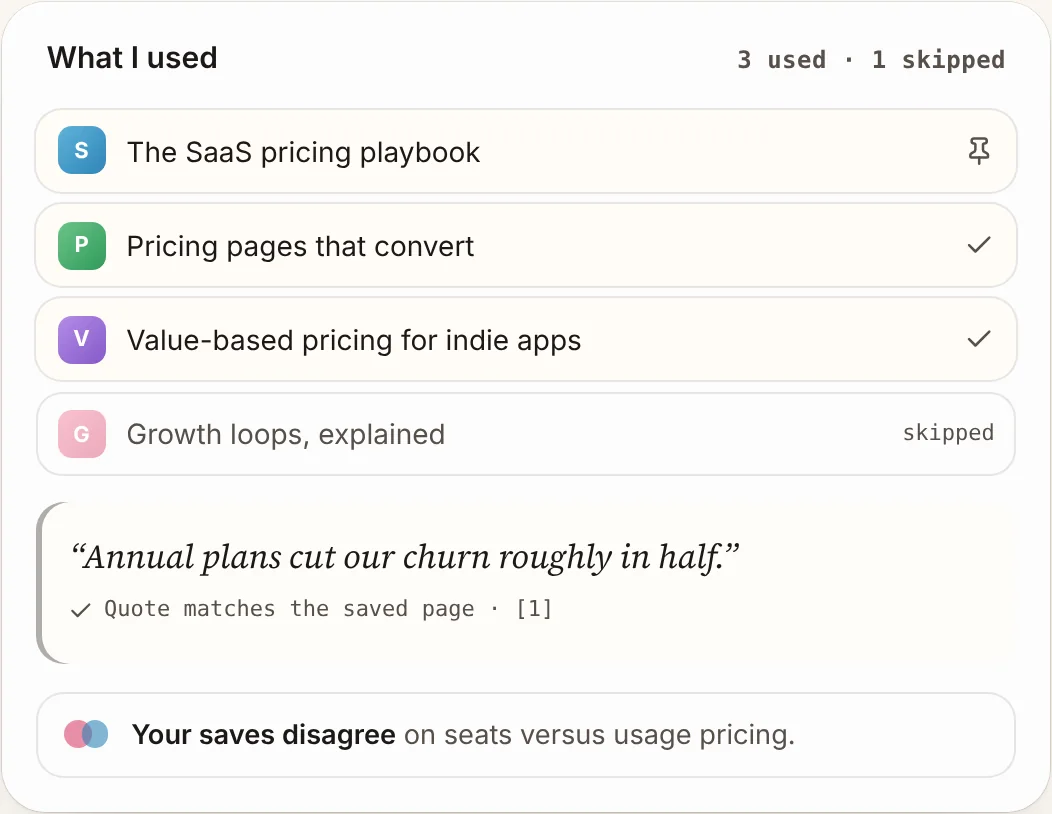
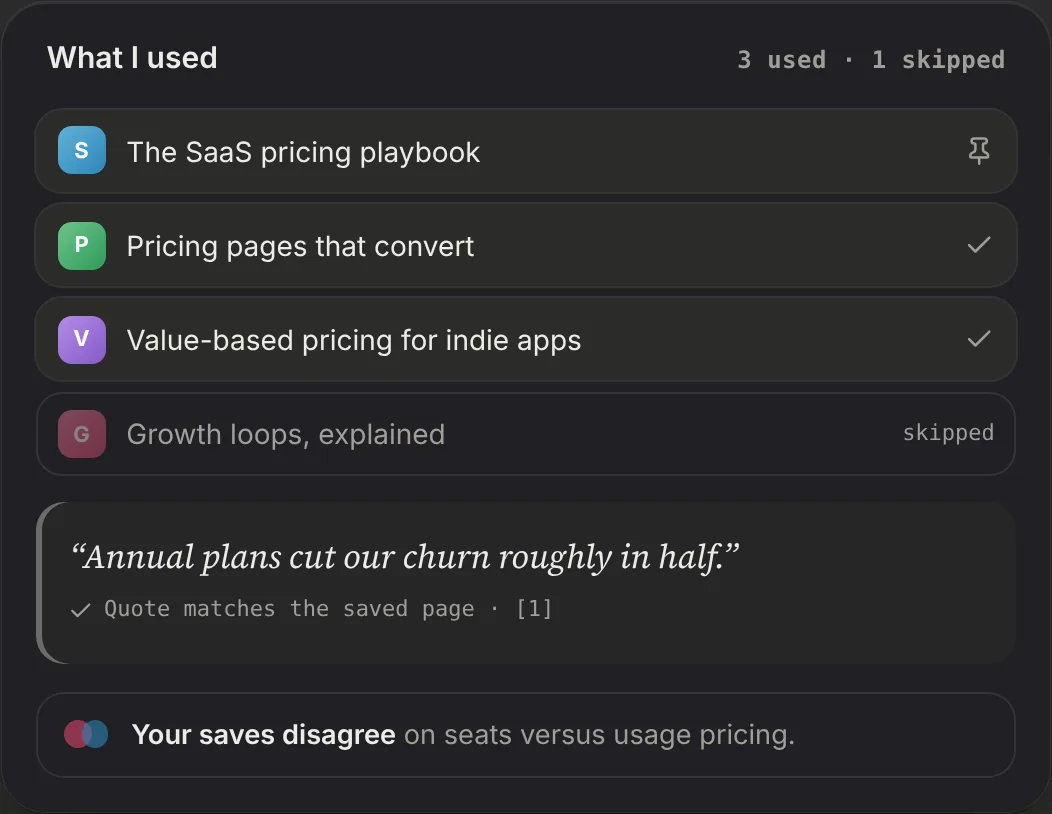
With Library on, each box looks for the bookmarks, notes and Spaces that matter to the question, uses them, and lists them under From your library. A few rules keep that honest:
- Every claim from a save cites it. Quotes are checked word for word against the page text Markwise kept, and a quote that does not match is dropped.
- You can see what was used and what was skipped, then pin or exclude an item.
- Your saves disagree? The box says so instead of quietly picking a side.
- Plug in a Space by dragging it onto a box. A visible wire shows what the answer is reading.
- Gaps are named. When nothing you saved covers a sub-topic, the box says so, and with Web on it fills the gap from the web with sources you can save.
Four modes, picked for you
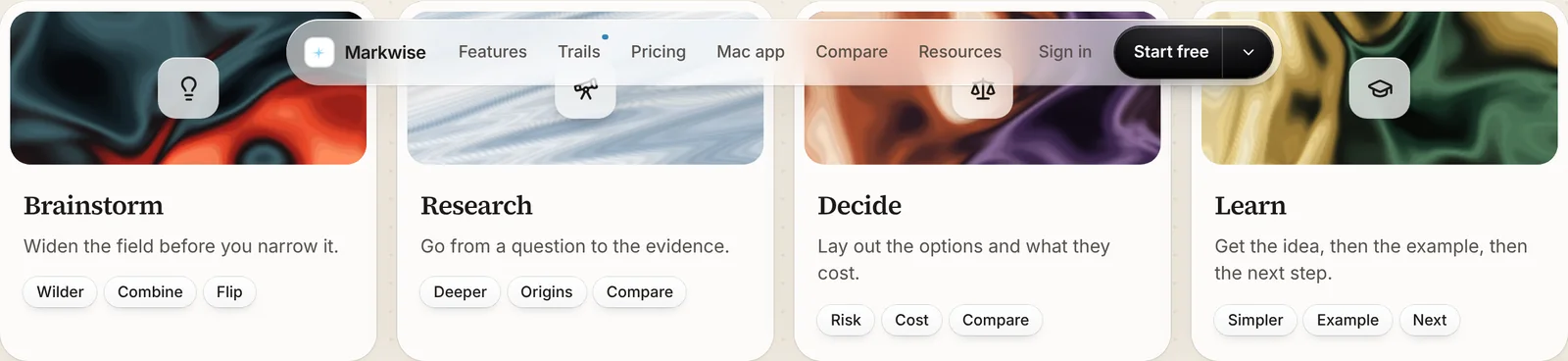
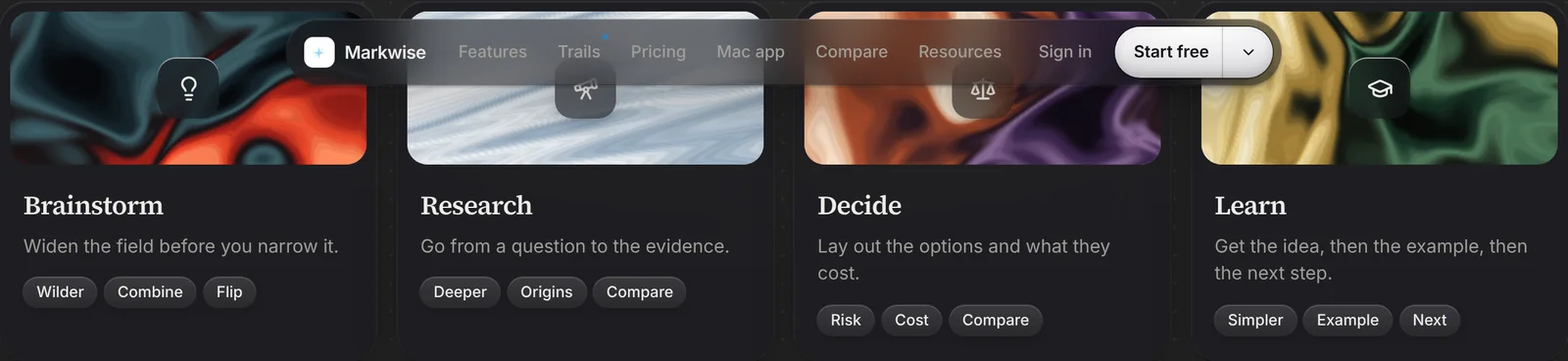
Markwise reads the kind of thinking from your first question and shows it as a label on the box: Brainstorm, Research, Decide or Learn. Tap it to switch, even for a single branch.
The mode changes the follow-ups you are offered. Brainstorm suggests Wilder, Combine and Flip. Decide suggests Risk and Cost. Learn goes Simpler, Example, Next. Research digs with Deeper, Origins and Compare.
Fork, deepen, never overwrite
- Go deep writes a longer, more careful version of a box. The previous version is kept.
- Another take adds a sibling box with a fresh answer, so you compare instead of replace.
- Link boxes with a label (supports, contradicts, causes, example of). A linked box is offered an update with a preview; nothing rewrites itself behind your back.
- Map ⇄ Outline turns the canvas into a readable outline. On a phone, a trail opens in Outline.
A trail ends in something you keep
Thinking is the point, but the output should not vanish with the tab. From any trail or branch you can:
- Save as Space: the saves a trail cited become a new Space.
- Make a write-up: an outline, post, plan, flashcards, cited brief or decision note, previewed first and saved as a Note.
- Export Markdown for the whole trail or one branch.
Trails are also readable by the AI apps you have connected to Markwise, so Claude or ChatGPT can pick up where your map left off.
Plans
Every Trails feature is on both plans. The only difference is volume:
| Free | Pro | |
|---|---|---|
| Answer boxes a day | 10 | 300 |
| Library, Web, modes, links, Keep | Yes | Yes |
A Go deep counts as two boxes, and the allowance resets at 00:00 UTC. Pro is $4.90 a month or $39 a year, with a 3-day trial for $0.99. See pricing.
Try it with a question you keep circling
Pick something you have been reading about for weeks and never pulled together. Start a trail, plug in the Space you saved it to, and branch the two follow-ups you would never have time to chase in a chat. That is the job Trails was built for.
Start a trail free or read the Trails overview.