Free
$0
Keep links. Upgrade when you outgrow 50.
- 50 bookmarks to start
- Basic text search
- 5 spaces, 5 notes
- Chrome extension
- Export anytime (HTML, CSV)
Built for people who save more than they remember.
Close your tabs. Your AI remembers them.Ask Markwise, Claude or ChatGPT. Answers cite your saves.
Free plan · No card required
Using the AI-powered tool to organize my Bookmark … has been a gamechanger for me.
The AI categorization feature makes organizing my research incredibly easy.
AI categorization is surprisingly accurate for sorting bookmarks.
Love how I can create custom spaces for different projects and access them across devices.
Simple tool that delivers what it promises.
Enhanced search helps find old bookmarks instantly.
Clean interface with reliable AI categorization.
Straightforward setup and solid performance.
01 · How it works
No folders to design, no tags to remember. Save the link, then ask for what you meant.
One click from Chrome, the iOS share sheet, or a pasted URL. Links, notes, YouTube moments, and tab sets.
Title, summary, and tags catch up after the save. Spaces stay optional.
Type the question you would ask a colleague who read the whole pile.
02 · Answers
Copilot reads your library, not the open web. Every answer links the saves it came from, so you open the source instead of trusting a summary.
Copilot is on Pro. Try it for $0.99
What did I save about deep work?
Copilot
Protect one deep-work block a day, and plan it around a single Make Time: pick one Highlight. The Deep Work lecture makes the case: attention left on an open tab follows you into the next task, so Deep Work: Rules for Focused Success suggests closing everything else first.
Nothing you saved covers evening routines. Not in library
Sources
03 · Toolkit
Save, file, ask, find, carry. One library.
Pin the page without leaving it. The toolbar button writes the URL into your library.
calnewport.com/deep-work
Keep the minute, not the whole video. Timestamps travel with the save.
12:41 · Deep Work lecture
Save a set of tabs as one session. One action files the window you were actually using.
Focus session · 12 tabs
calnewport.com · makenotes.dev · arxiv.org
Find the save you forgot the title of. Ask in the words you remember, not the title you lost.
attention residue
Write next to the save, not in another app. A note is a first-class item in the same library.
Attention residue is why one tab costs the next hour.
Share sheet into the same library. Share a page, a note, or a Safari session into Markwise.
Share → Markwise
Free plan · No card required
New · Markwise for Mac
Create a free account now. Your library is waiting when the app ships.
See Markwise for Mac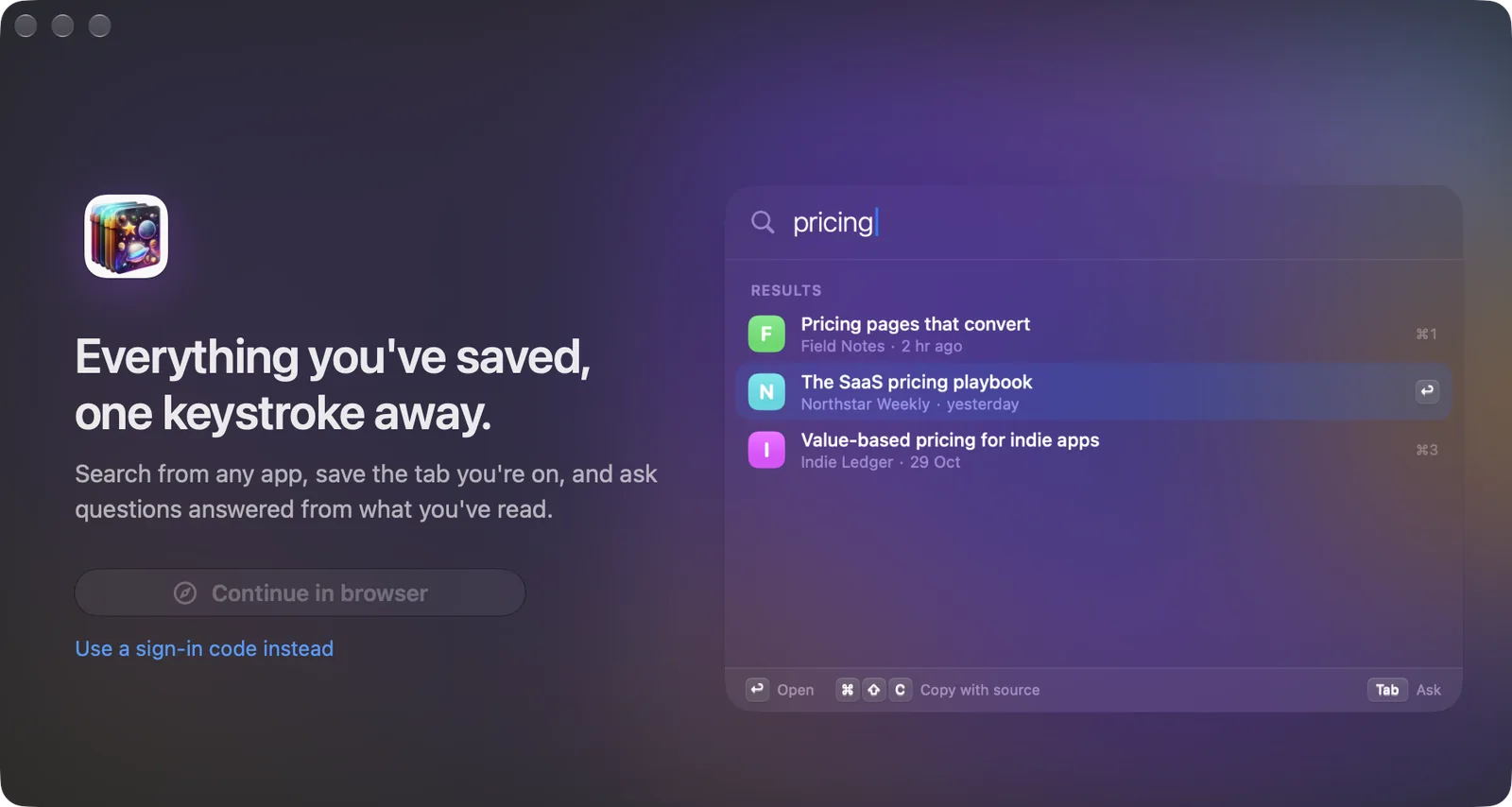
04 · Price
Start free. Try Pro for $0.99.
Free plan included · Pro trial is $0.99 for 3 days, then $4.90/mo · Cancel anytime · Full HTML & CSV export on all plans (no lock-in)
$0
Keep links. Upgrade when you outgrow 50.
3 days for $0.99
Ask your own saves.
$4.90/mo
Everything on Free, then:
Bookmarks, notes, web highlights, YouTube videos with timestamps, and grouped research Spaces. Anything you want to remember or revisit later.
More on this: What can I save in Markwise?Markwise files what you save, then you ask your library in plain English. Free keeps the links and text search. Pro adds Copilot and search by meaning.
More on this: How is Markwise different from other bookmark managers?A Focus Session is a set of tabs you save from the Chrome extension. Markwise titles and summarizes the session so you can pick the work back up later.
More on this: What are Focus Sessions?Yes. Highlight text from YouTube transcripts and it saves with automatic timestamps. Click any highlight to jump to that exact moment in the video.
More on this: Does Markwise support YouTube videos?Yes. The free plan gives you 50 bookmarks, basic text search, 5 Spaces, 5 notes, and a Chrome extension. Pro is $4.90/month or $39/year. Try Pro for $0.99 for 3 days. Copilot and search by meaning are Pro.
More on this: Is there a free plan?Yes. Your library is private to your account and is never sold. Export or delete it anytime from Settings.
More on this: Is my data private?Chrome, Edge, Brave, and Opera via the Markwise extension. The web app works on any modern desktop or mobile browser.
More on this: Which browsers are supported?06 · Ask AI
Don't take our word for it. Send a neutral prompt to the assistant you already use, and it reads the site itself.
Read https://markwise.app/ and explain what Markwise is, who it is for, and how it works day to day. List what it does not do and its main limitations.
Free plan · No card required
Your library is private to your account and is never sold. Export or delete it anytime from Settings.
Made by Reaktif LLC. Privacy